
Your digital life.At home and on your phone.Forever yours.
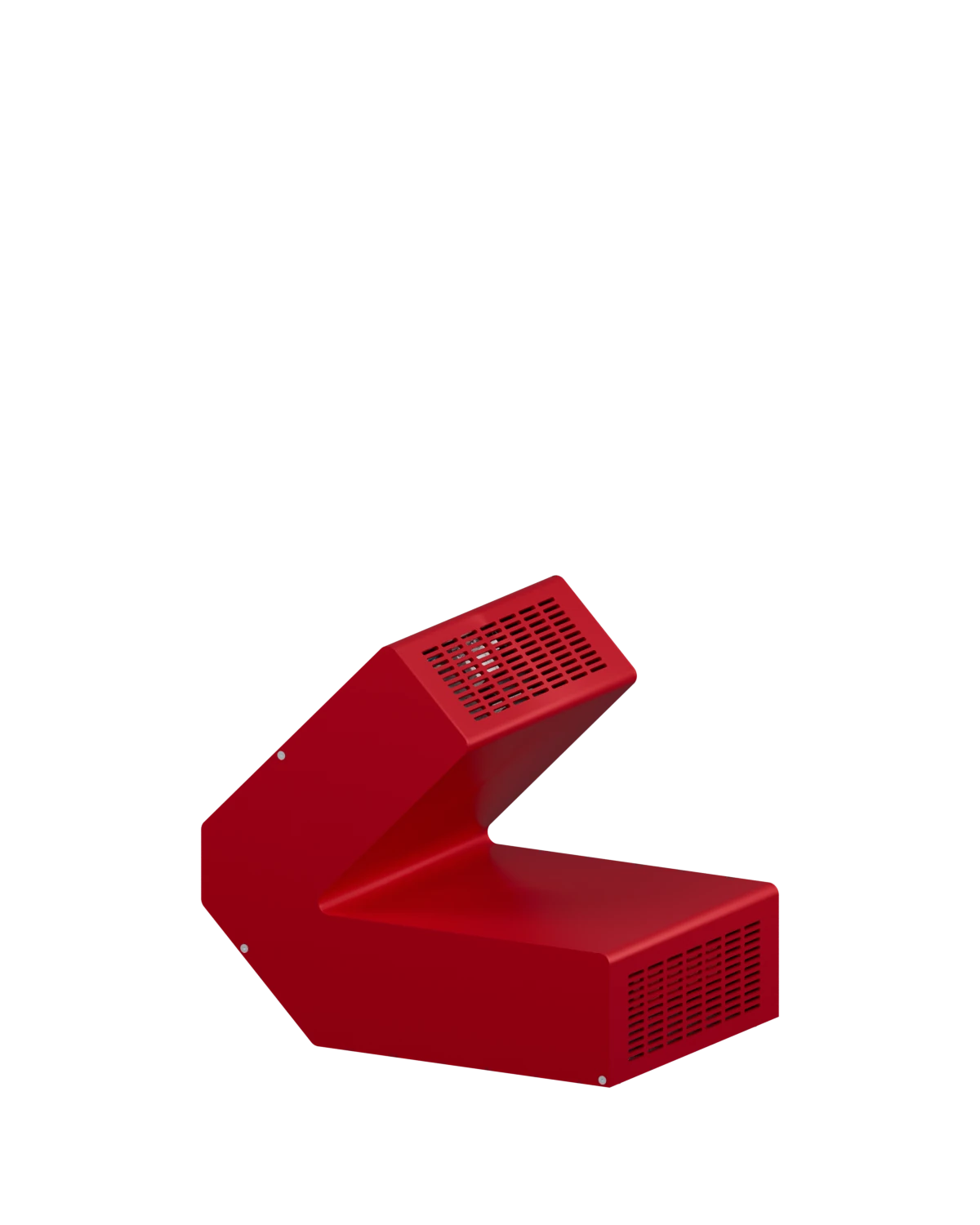
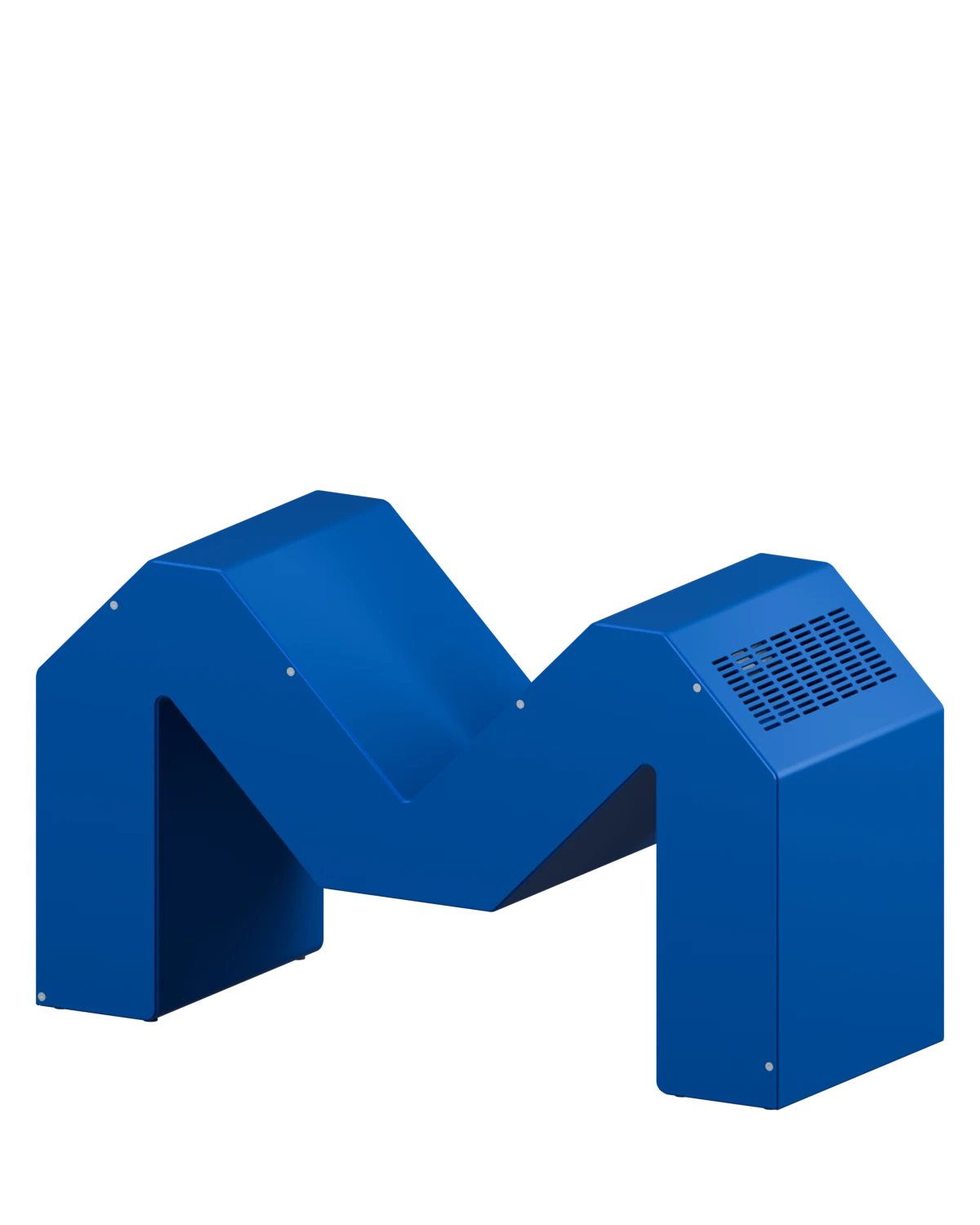
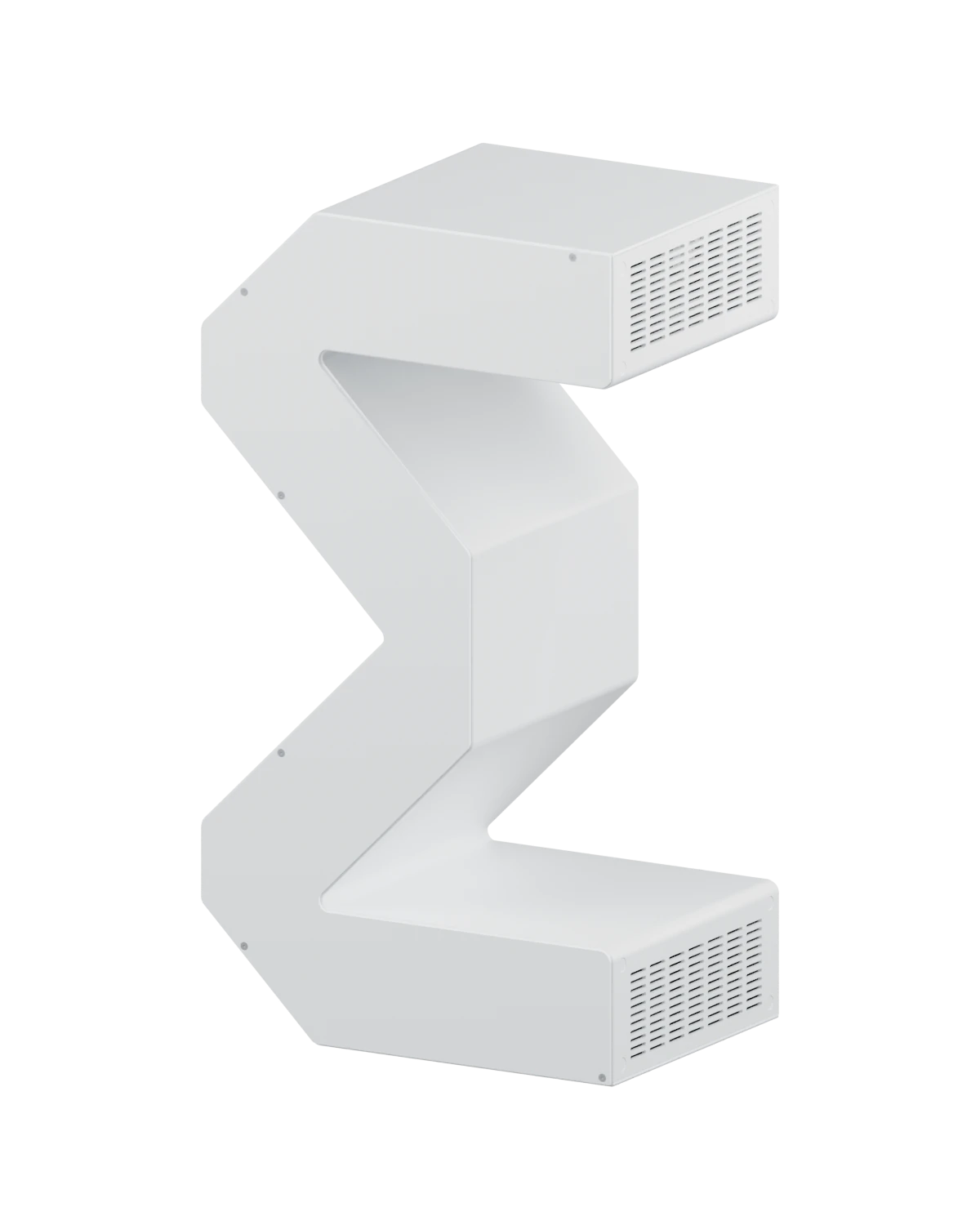
Your photos, files, and AI. Always within reach. Always yours. Everything stays with you — we never hold your keys. Start free on your laptop; upgrade to hardware when it’s worth it.


Bring your digital life home.
Every photo and video from every device, in one library on hardware you own. Merka shows what is still on only one device until a Vault holds it.
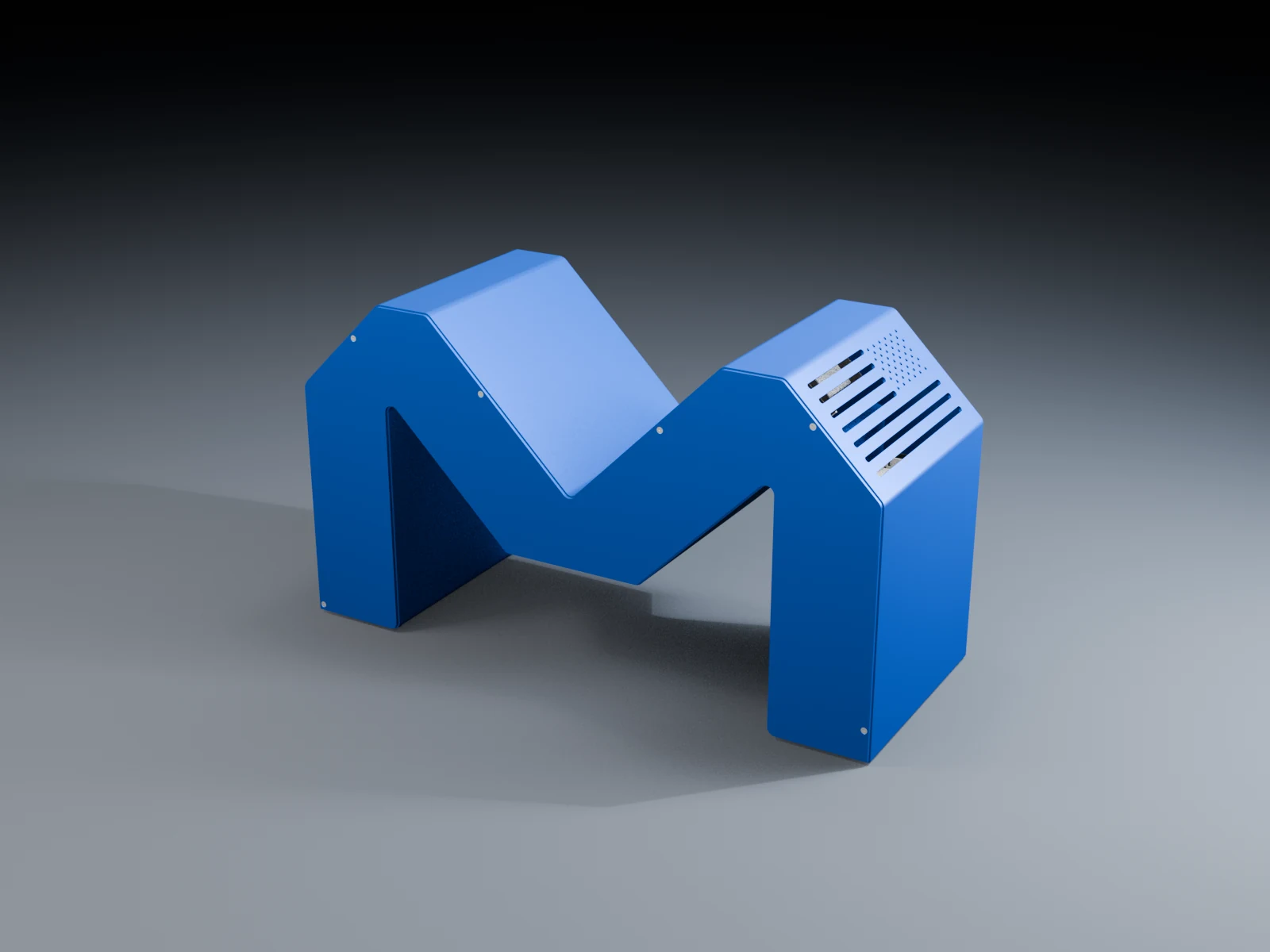

Your files, on every device.
Folders, documents and scans in one place you own. Share a folder with family, and open any file from your phone or computer.
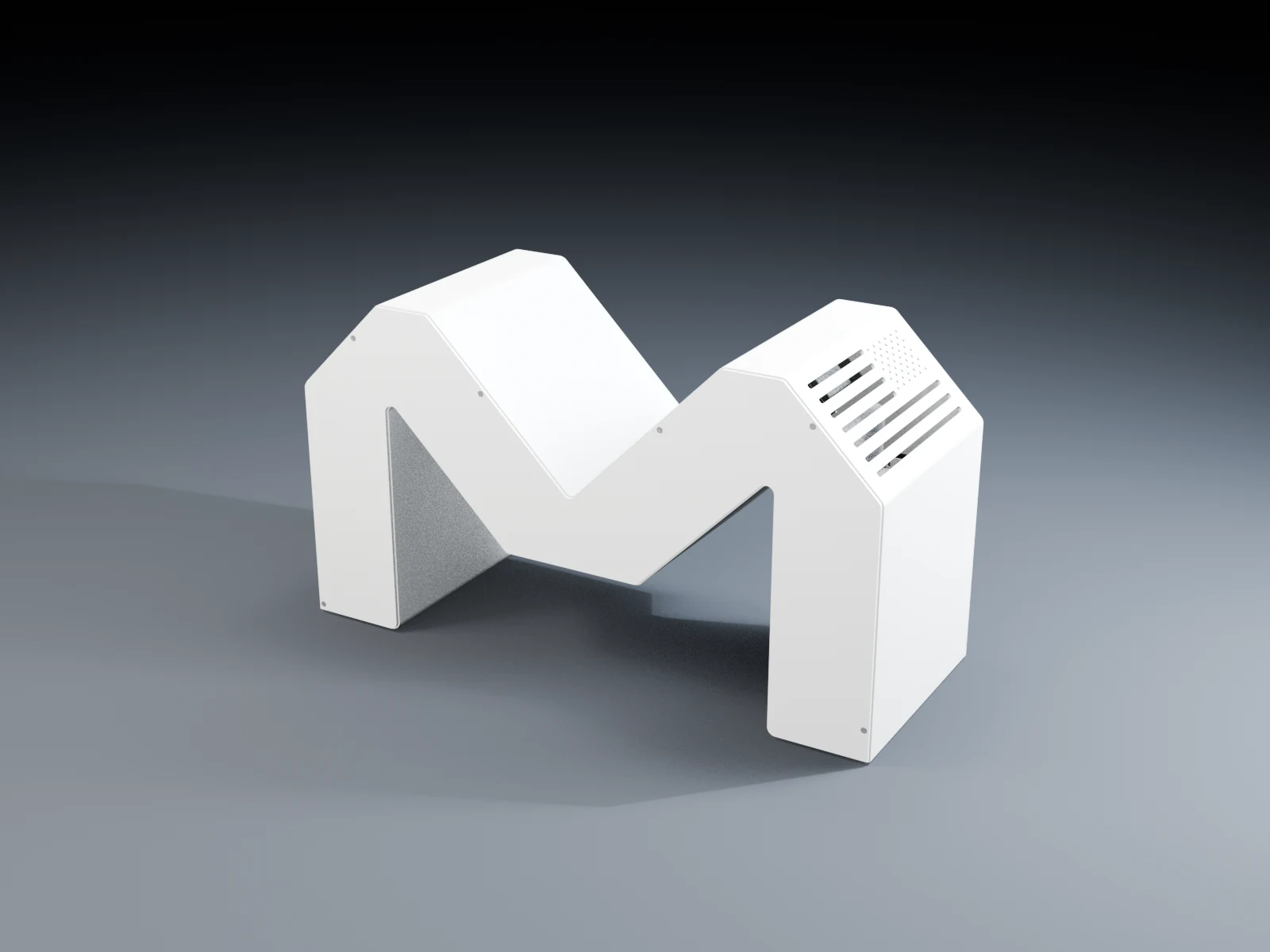

Private AI on your own devices.
Ask what your day looks like and get an answer from your own calendar and email. The model runs on your device, so prompts and replies stay there.
Illustrated preview with sample data. Local chat on supported devices is available today.
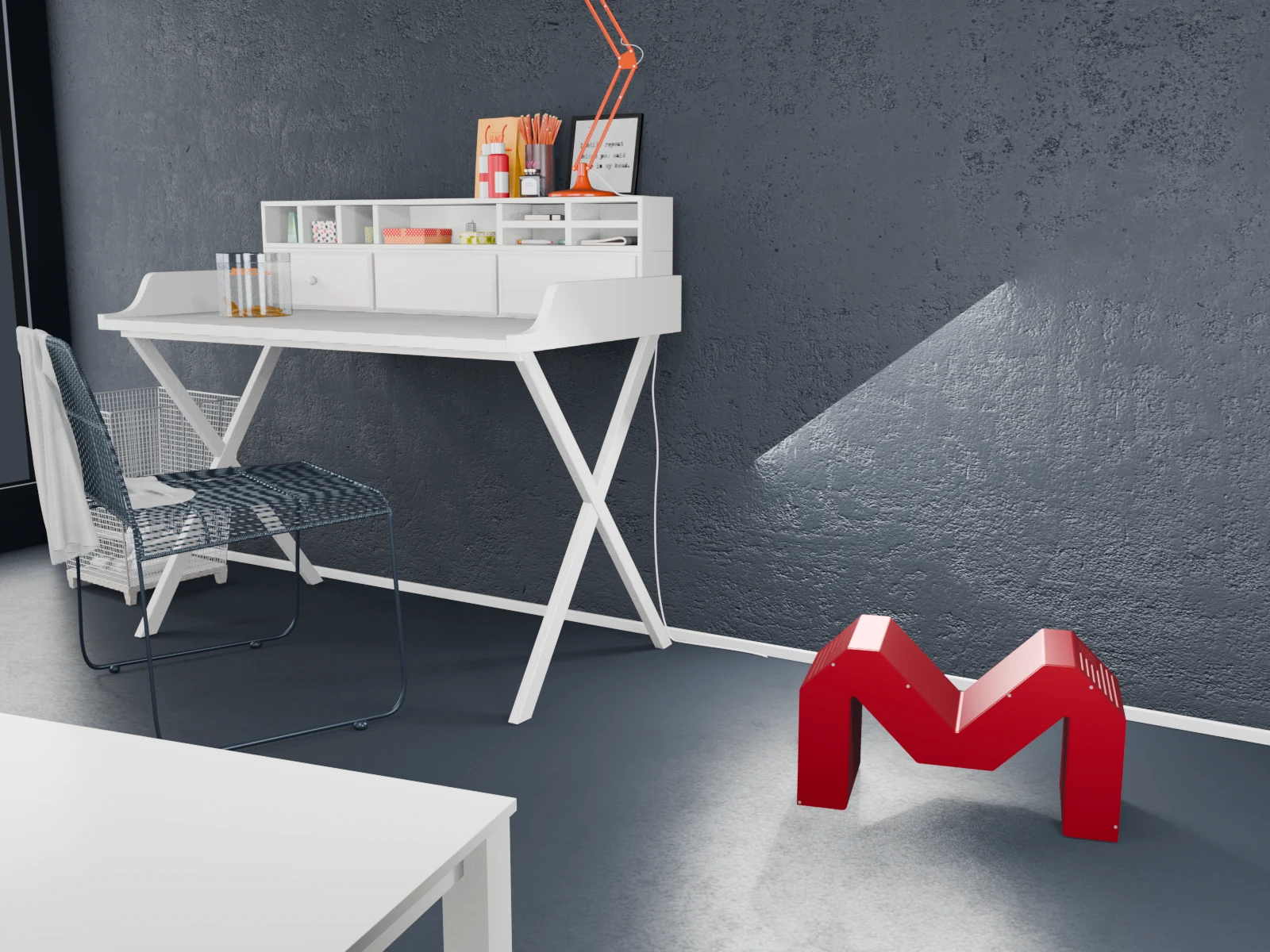

Sovereign AI starts with control.
Know where your AI runs, who can access your data, and what needs a connection. Start with local AI on a computer you own.
On your hardware
Use a supported local model. Your device generates the answer.
With your keys
Keep custody of your private files and recovery material.
On your terms
Start free. Add hardware or managed services when they help.
AI on a leash. Your leash.
Agents work hard inside your vault, with no way out you did not grant.
A separate space for AI
Agents run in isolated environments inside your vault. You choose the files and connections they can use.
No exit you did not grant
Network access is an explicit permission. An agent can read your files with no path to the internet.
A physical off switch
Your AI runs on a box in your home. The power cord is in your hand.
New devices need your yes.
Compare the code on both screens, then approve. One approval makes every vault in your space trust the device.
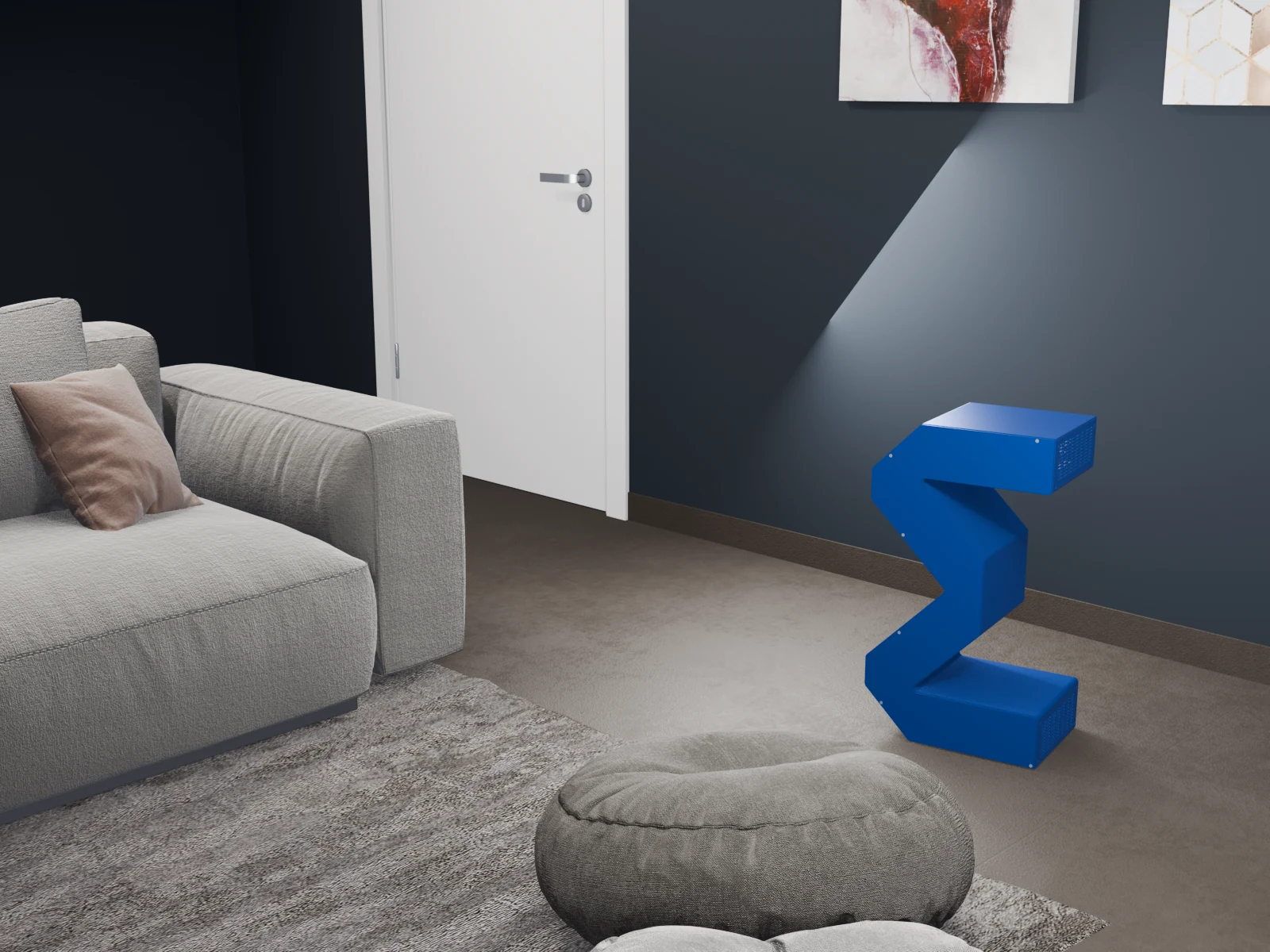

Backups held by people you trust.
A guardian keeps an off-site copy in their own storage. Merka checks it every week and runs restore drills, so you know it works.

Start free. Add a Vault when you are ready.
Run Merka on the computer you already own. Local use is free, with no trial deadline or hardware purchase.
1 · Download Merka
Install the app on your Mac. Your identity and recovery stay with you.
2 · Make yourself at home
Bring your photos and files into a library on the computer you already own.
3 · Add a Vault
Plug in a Merka Vault to keep your cloud on when your laptop is closed, with backup and remote access.
See Merka in your space.
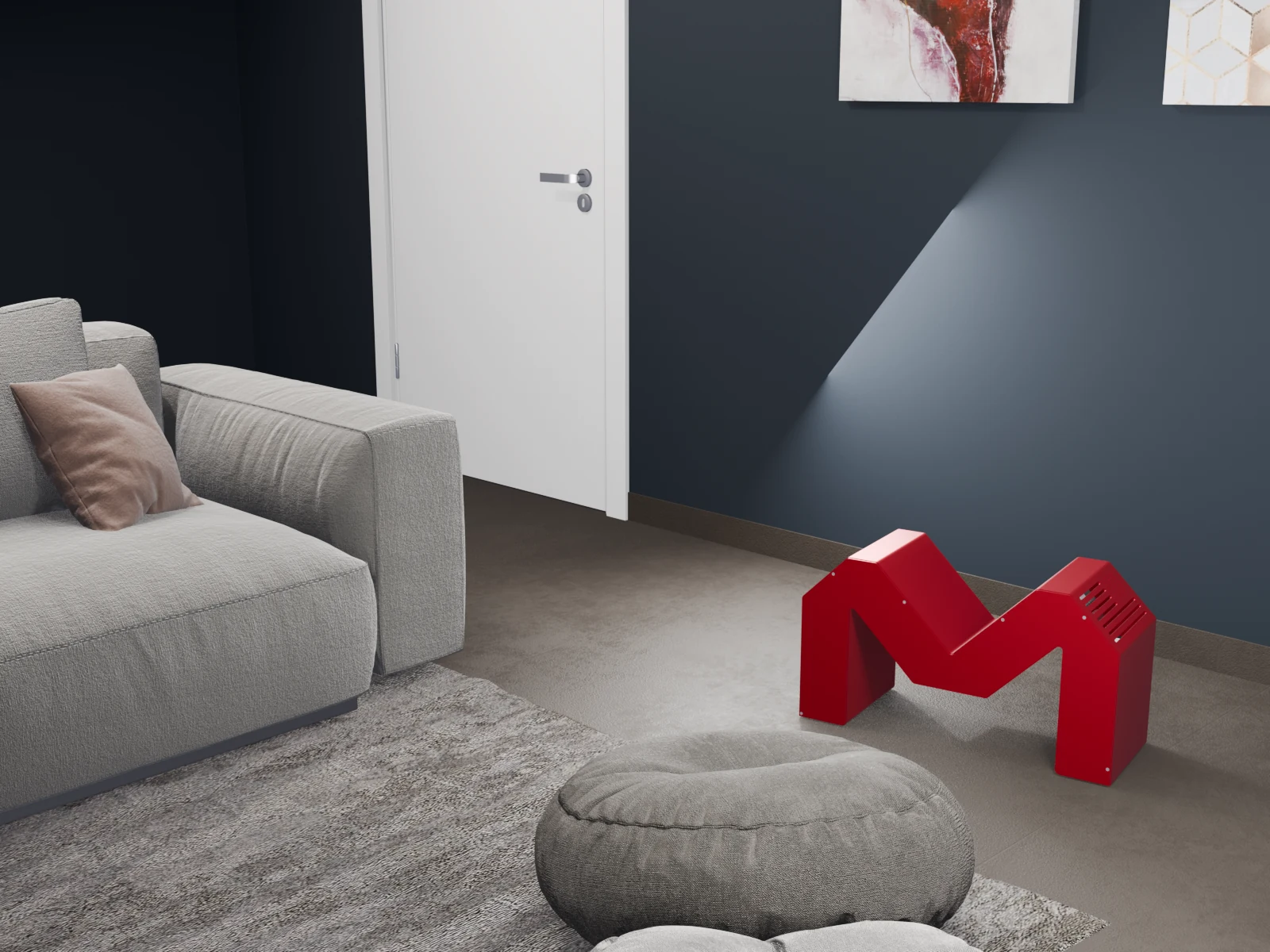
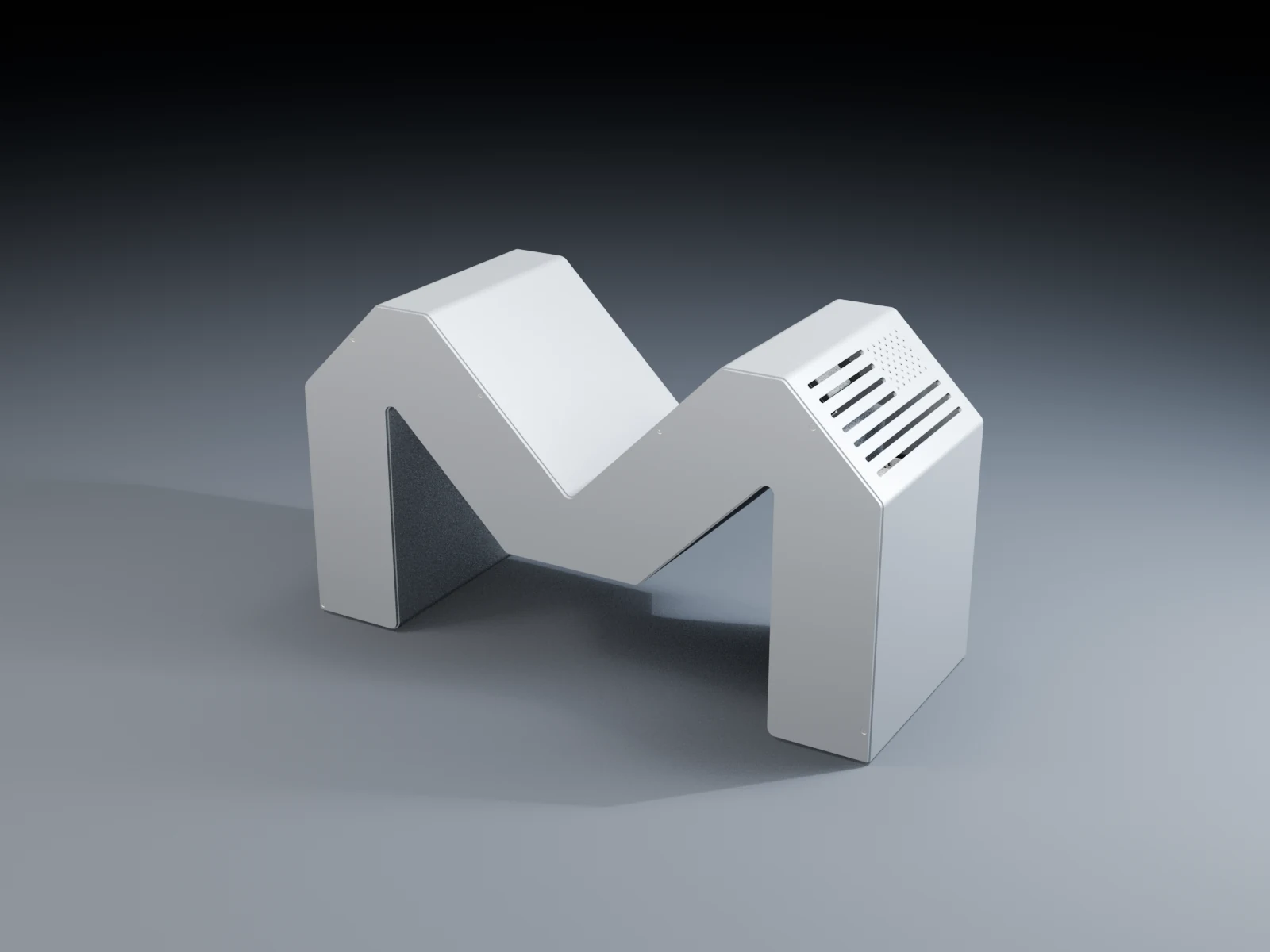
Explore the aluminum design up close, then see it beside the things you live and work with.
Built for what matters most.
Protect 50 years of memories.
Your family photos, videos and documents in one place. Keep them recoverable for the people you trust.

Merka Vault vs cloud custody
Compare a vault on hardware you own with storage and services hosted by Apple, Google and other cloud companies.
- Can lock you out?
- CloudYesTerms violations, suspected fraudMerkaNoYour identity and recovery stay with you
- Holds your keys?
- CloudVariesAdvanced protection helps, but defaults and recovery rules varyMerkaNoYou keep custody of your keys
- Provider shutdown risk
- CloudHighYour account depends on one platformMerkaLowerRecoverable from standard encrypted snapshots
- Native apps?
- CloudMixedOften browser-first for sharing and adminMerkaYesiOS, Android, macOS, Windows and Linux
- What do ongoing fees cover?
- CloudHosted servicesStorage and services on the provider’s systemsMerkaOptional servicesCare adds backup and support. Your vault keeps working locally without a plan.
- Support available?
- CloudLimitedChatbots, forumsMerkaYesSupport without data access
Common questions
Local AI, your own cloud, hardware ownership, optional Care and recovery.
Still have questions? Contact us